Zoom Rooms Installationfor Effortless, Reliable Video Meetings
We design and install certified Zoom Rooms that give every meeting space the same simple, one-tap experience, built around your rooms, not a generic package.

Choosing AVolution for Your Zoom Rooms Installation
Zoom remains one of the most widely used video conferencing platforms in the UK, and Zoom Rooms is its purpose-built solution for physical meeting spaces. Getting it right depends on matching certified hardware to your room, tuning audio and video for the space, and making sure the system stays reliable long after installation day.
As an independent AV integrator, we select Zoom-certified hardware from Yealink, Logitech, Neat, Poly and other partners based on what suits your rooms and budget, not a fixed catalogue.

Zoom Rooms That Simply Work
A well-installed Zoom Room should need no explanation: walk in, tap to join, and be heard and seen clearly from every seat.
Our installations prioritise:
How Zoom Rooms Is Managed
Zoom Rooms comes in two hardware models, which is where it differs from Teams Rooms. You can run a separate controller – a Windows PC, Mac, iPad or Android tablet – connected to your camera, mic and display. Or install a Zoom Rooms Appliance: a single certified device from Poly, Neat, DTEN or Yealink that bundles compute, camera, mic and speaker into one unit, no PC required.
Appliances install faster with fewer points of failure, so we specify them for most standard and huddle rooms, keeping controllers for boardrooms that need extra flexibility.
Every room is licensed individually and managed through the Zoom Device Management console, alongside your Zoom account also where Zoom Rooms Digital Signage and Workspace Reservation for hot-desking are configured.
Zoom Rooms for Different Spaces
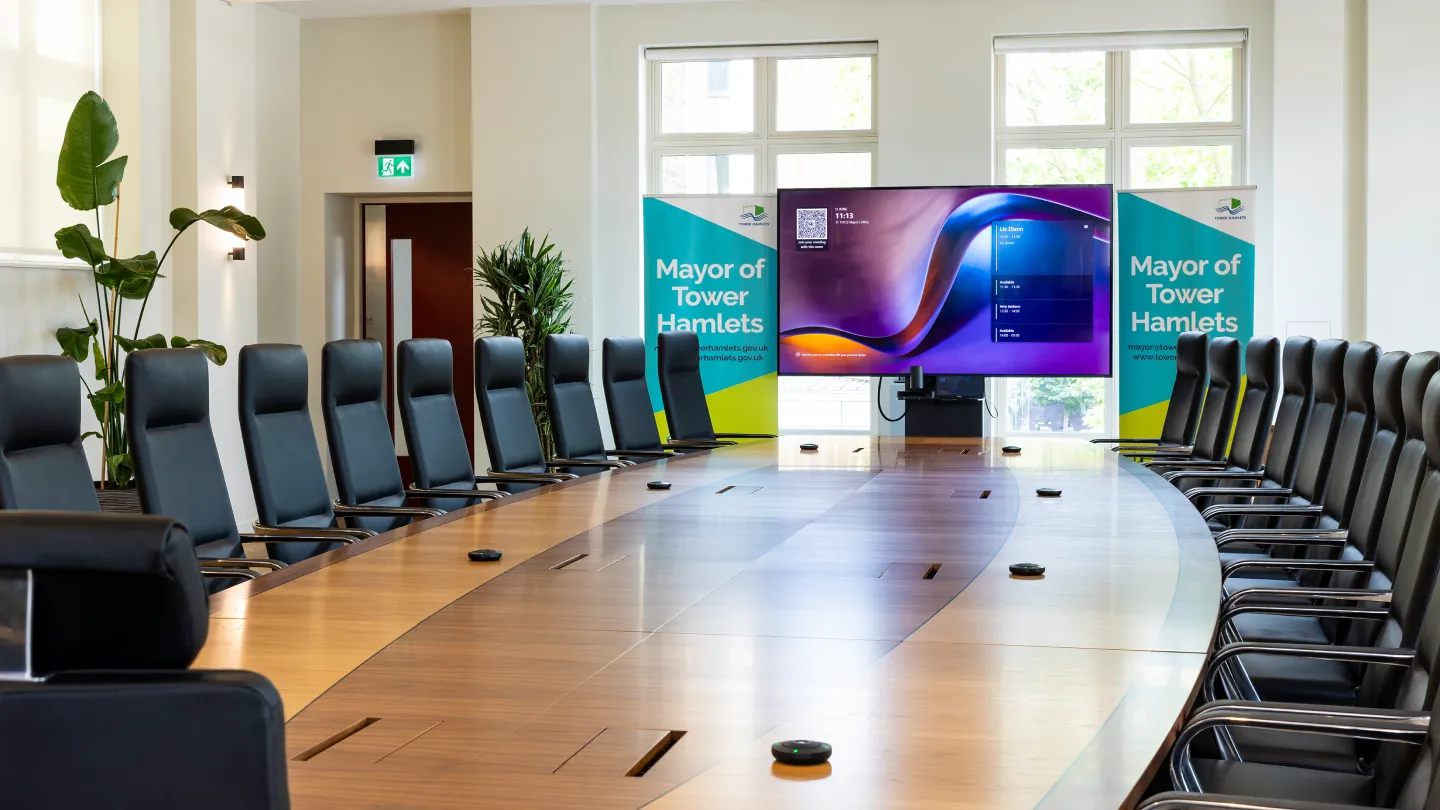
Executive Boardrooms
Zoom Rooms builds with PTZ or intelligent tracking cameras, multi-microphone arrays and touch panel control, designed for leadership meetings and client calls. See our dedicated Boardroom AV Solutions page for the full system approach.
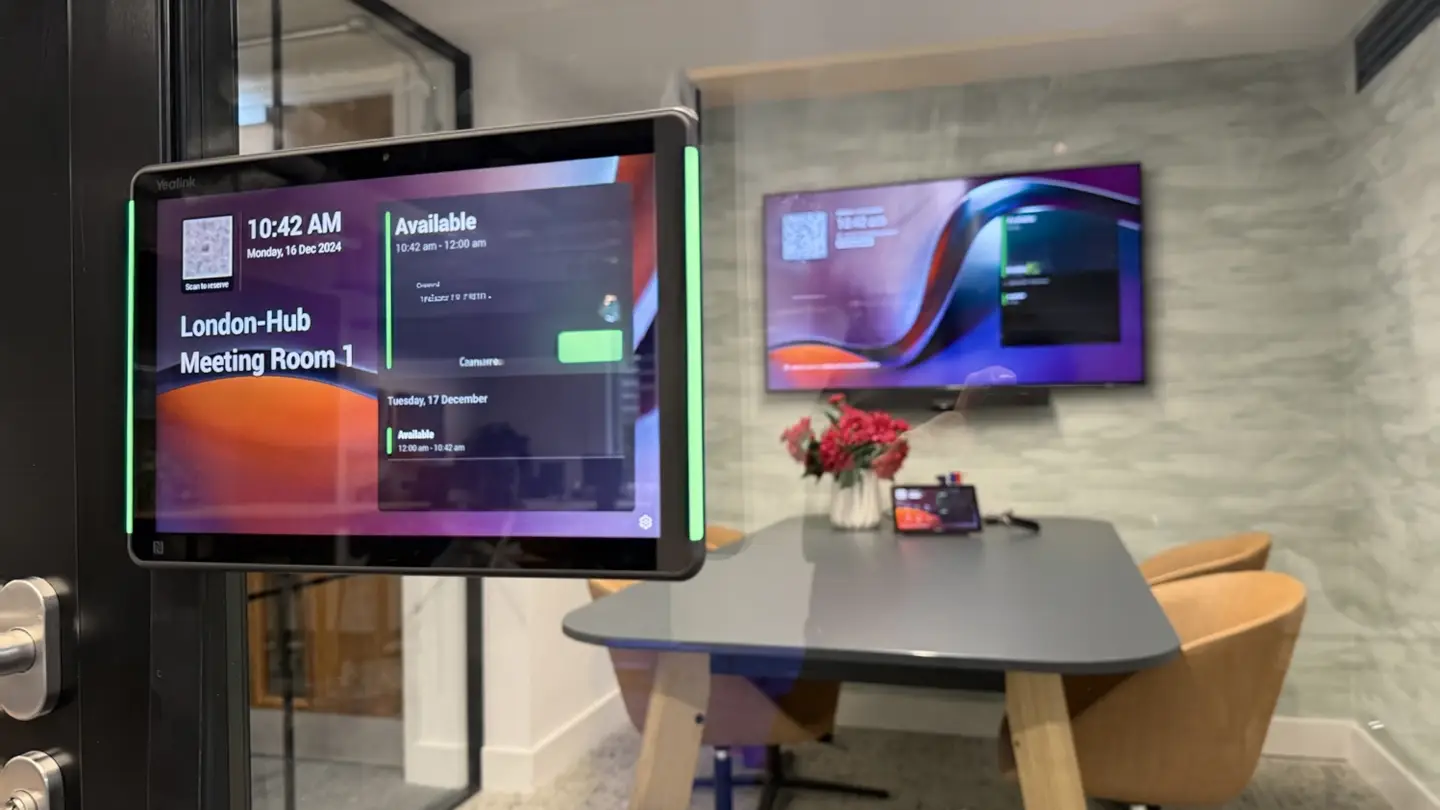
Huddle Spaces & Small Meeting Rooms
Compact, all-in-one Zoom Rooms appliance hardware for two-to-four-person spaces, built for speed and simplicity. See our Huddle Room AV Solutions page.
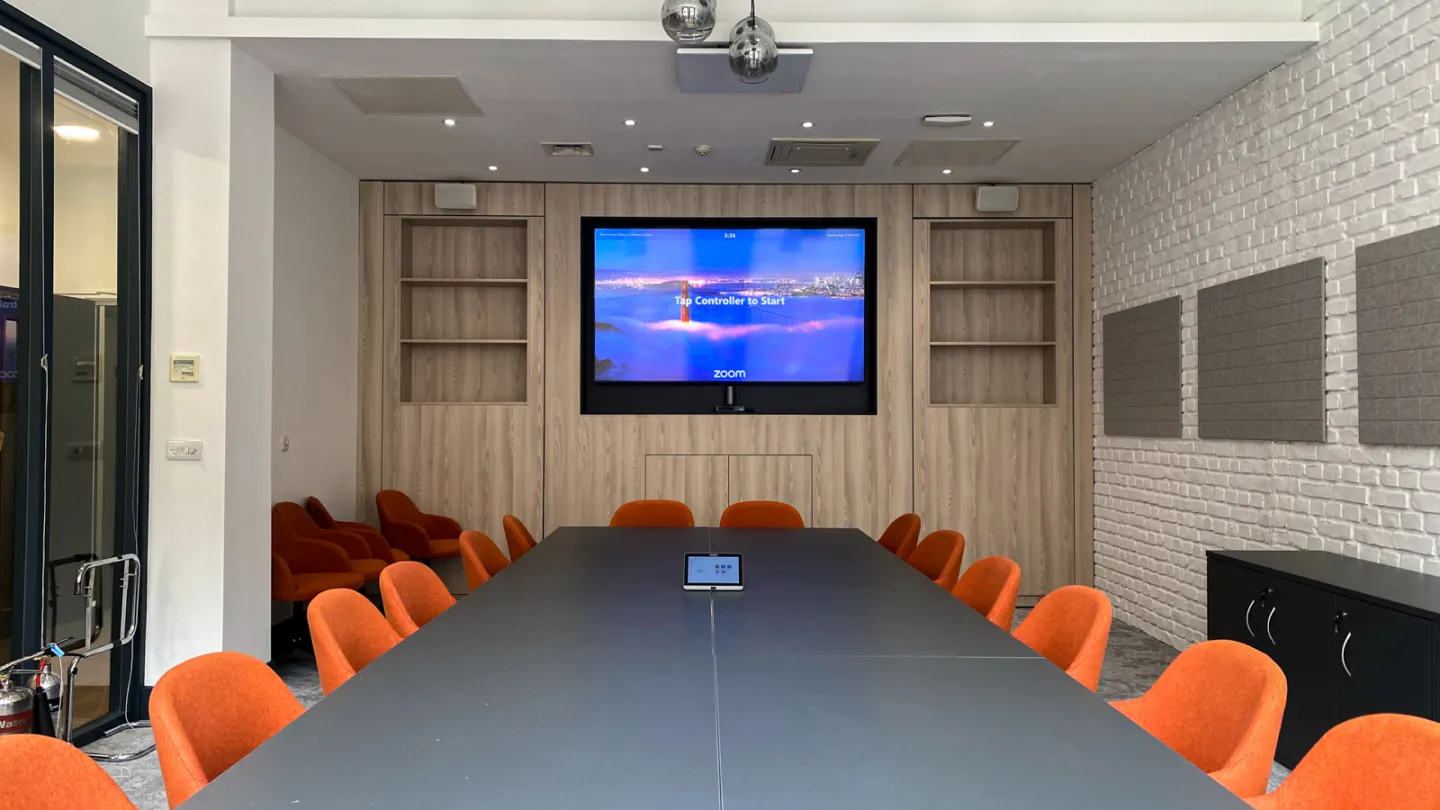
Standard Meeting Rooms
Certified soundbar or modular Zoom Rooms systems covering six to twelve seats with clear, even audio and video coverage.
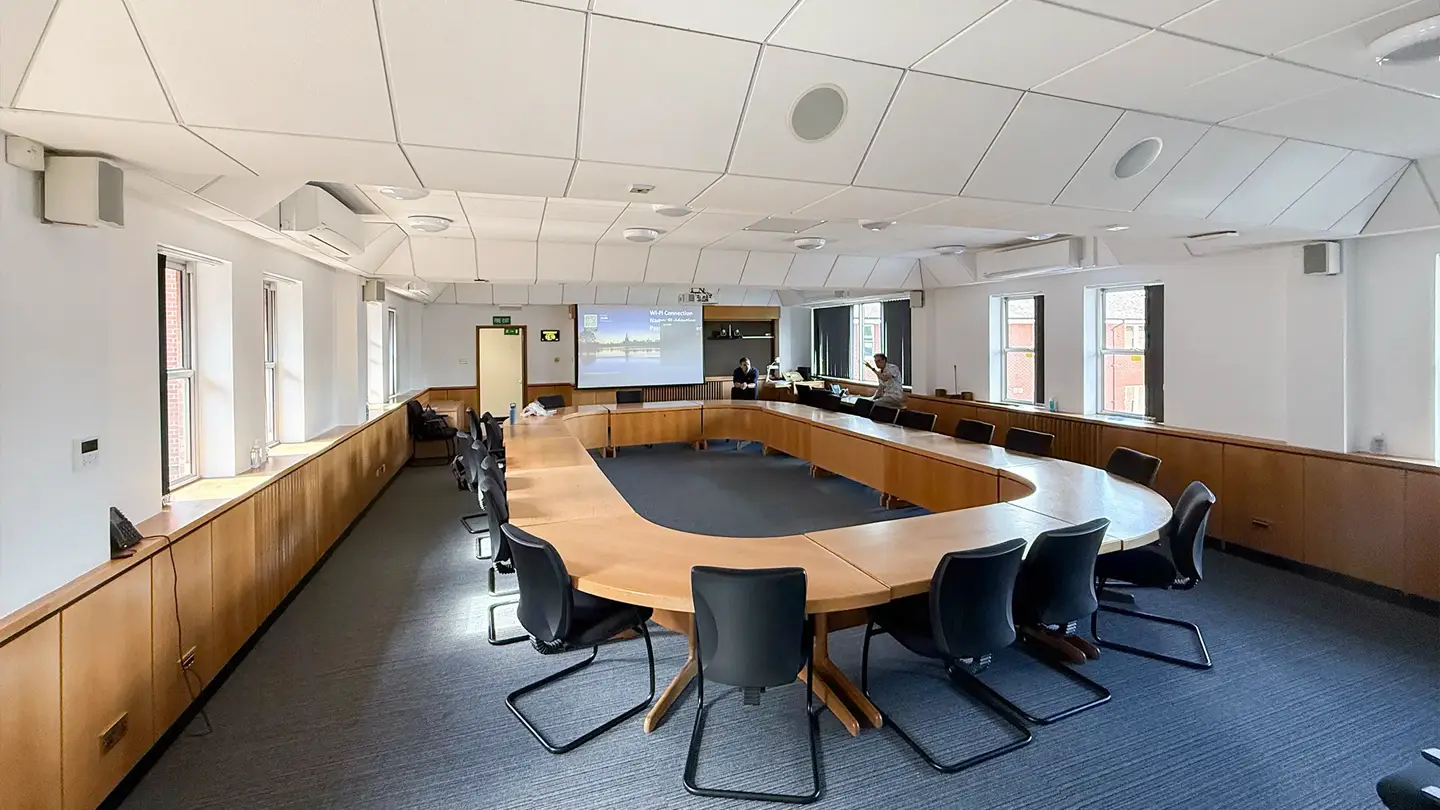
Training Rooms & Large Conference Spaces
Multi-camera, multi-microphone Zoom Rooms installations for presentations, workshops and larger hybrid sessions.
Built for Certification, Simplicity & Long-Term Reliability

Zoom Certified
We install Zoom-certified hardware, so your rooms meet Zoom’s own standards for compatibility, performance and firmware support.

Simple to Operate
Touch panel scheduling and in-call control mean anyone can join, share content or adjust the camera without technical help.

Built to Last
Every Zoom Rooms installation is specified, commissioned and tested as permanent infrastructure, not a temporary or improvised setup.
What’s Involved in a Zoom Rooms Installation
Our Zoom Rooms installations typically include:
Certified Zoom Rooms compute or appliance hardware (Windows, Android or all-in-one appliance)
PTZ or AI-framing cameras suited to room size
Ceiling, table or soundbar microphones with echo cancellation
Professional speakers tuned to the space
Touch panel scheduling and in-call control
Zoom Rooms licensing and Device Management setup
Network configuration and connectivity testing
Integration with existing calendar and room booking systems, and with wireless presentation systems where needed
Delivered for Organisations Across the UK
We have delivered video conferencing and collaboration solutions, including Zoom-based systems, for:





Zoom Rooms, Microsoft Teams Rooms or Google Meet?
Many organisations run more than one platform, or want the flexibility to switch later. Most Zoom-certified appliance hardware from Poly, Neat and Yealink also supports Microsoft Teams Rooms, so we can specify systems that keep you platform-flexible. If you’re weighing up the options, our Microsoft Teams Rooms and Google Meet Rooms pages cover how those platforms differ in hardware, management and licensing.
From Strategy to Ongoing Support

STEP 1
Discovery & System Design
We assess your rooms, your existing Zoom estate and how your teams meet, then design a Zoom Rooms specification that fits.

STEP 2
Professional Installation
Our engineers install, configure and test every Zoom Rooms system, including network checks, audio tuning and account provisioning.

STEP 3
Training & Support
We train your users, then provide ongoing monitoring, firmware updates and responsive UK-based support.
Why Organisations Choose AVolution for Zoom Rooms
Vendor-neutral hardware selection, matched to your room and budget
Consistent, well-documented installation and commissioning process
25+ years of AV integration experience and over 1,500 clients
ISO 9001 and ISO 27001 certified, for structured quality and information security
UK-based support across our Chobham, Manchester and Birmingham offices
FAQs
What is a Zoom Room?
A Zoom Room is a physical meeting space equipped with certified camera, microphone, speaker and control hardware, running the Zoom Rooms application, so anyone can start or join a Zoom meeting with a single tap.
What hardware do Zoom Rooms need?
Either a separate controller (Windows PC, Mac, iPad or Android tablet) paired with camera, microphone and speaker hardware, or a single all-in-one Zoom Rooms Appliance that bundles everything into one certified device. We specify the right approach for each room individually.
How is a Zoom Room different from just using the Zoom app on a laptop?
A Zoom Room is purpose-built for the physical space: cameras and microphones are positioned and tuned for the room, and the system is manageable centrally through Zoom Device Management, rather than relying on a single laptop’s built-in webcam and microphone.
Can Zoom Rooms hardware also support Microsoft Teams?
Many certified Zoom Rooms appliances are also certified for Microsoft Teams Rooms, so we can specify hardware that gives you flexibility if your platform needs change in future. See our Microsoft Teams Rooms page for how that compares.
Microsoft Teams Rooms Installation
Room Booking & Scheduling Systems
Huddle Room AV Solutions
Google Meet Rooms Installation
Boardroom AV Solutions
Ready to Upgrade to Zoom Rooms?
Talk to our video conferencing specialists or book a site assessment to discuss a permanent, certified Zoom Rooms installation designed around how your teams actually meet.