Microsoft Teams RoomsFor Seamless, Secure Meetings
We design and install certified Microsoft Teams Rooms that turn ordinary meeting spaces into consistent, one-click video conferencing environments, built to work reliably every time, not just on day one.

Why AVolution for Microsoft Teams Rooms
Microsoft Teams Rooms is now the default meeting standard for many UK organisations, but a good Teams Rooms deployment depends on far more than the software. Camera placement, microphone coverage, network stability and room acoustics all determine whether a meeting feels effortless or frustrating.
As an independent AV integrator, we are not tied to a single hardware brand. We specify and install Teams Rooms systems using certified devices from Yealink, Logitech, Crestron and Poly, matched to your room size, budget and existing Microsoft 365 environment, then support them for the long term.

Microsoft Teams Rooms That Simply Work
A Teams Room should feel the same whether you are in a huddle space or an executive boardroom: one tap to join, clear audio from every seat, and sharp video that keeps remote colleagues properly in the conversation.
Our installations prioritise:
Reliable one-touch join for scheduled and ad-hoc Teams meetings
Microphone and speaker coverage tuned to the room, not a generic setup
Camera placement and framing that keeps every participant visible, including Front Row layout for a more natural, table-height view of remote attendees
Simple, centrally managed devices that reduce IT support tickets
How Microsoft Teams Rooms Is Managed
Microsoft Teams Rooms runs on Windows or Android hardware and is managed centrally through the Teams Rooms Pro Management portal, alongside your Microsoft 365 tenant. Your IT team or ours can monitor, update and troubleshoot devices remotely – no site visit for routine issues.
Licensing has two tiers. Teams Rooms Basic covers core meetings at no extra cost for Microsoft 365 customers. Teams Rooms Pro adds health monitoring, remote management and Microsoft support eligibility – the tier we recommend beyond a few rooms, and we help you choose the right one.
Built on the same Microsoft 365 platform as Outlook and Exchange, Teams Rooms handles room booking panels and calendar integration natively – no third-party scheduling layer.
Microsoft Teams Rooms for Different Spaces
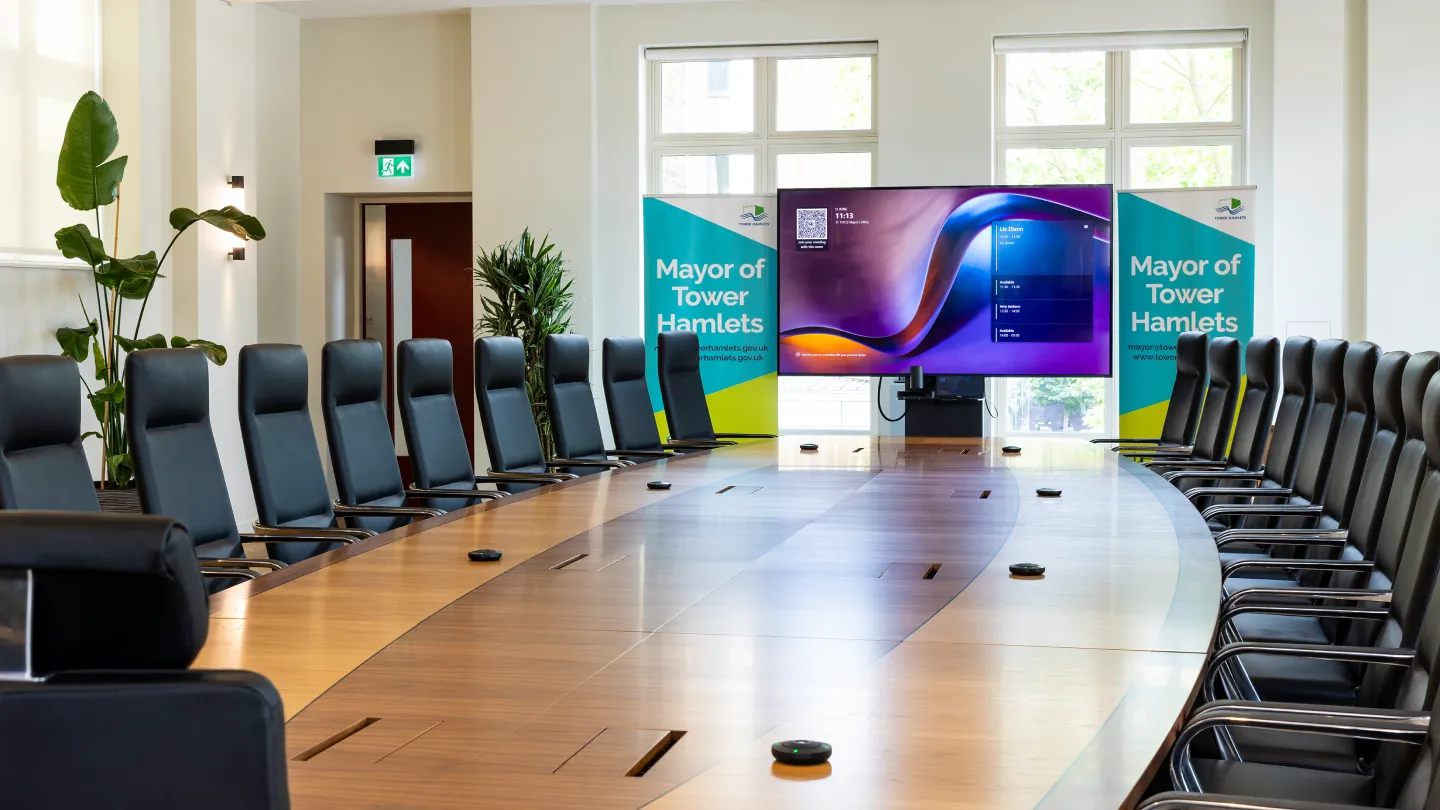
Executive Boardrooms
Premium Teams Rooms installations with PTZ or AI-tracking cameras, professional microphone arrays and touch panel control, built for leadership meetings and external stakeholder calls. See our dedicated Boardroom AV Solutions page for the full system approach.
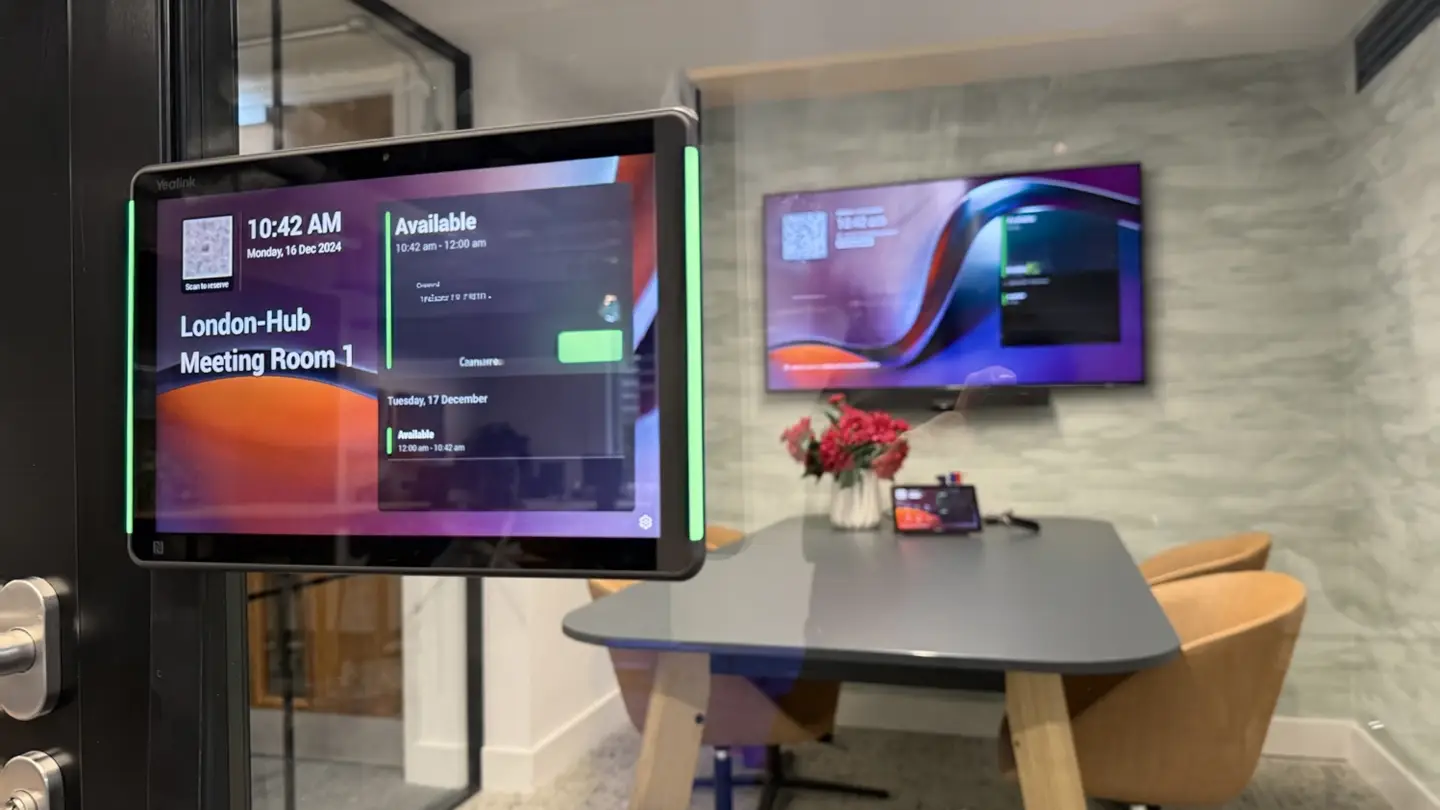
Huddle Spaces & Small Meeting Rooms
Compact, cost-effective Teams Rooms kits that make two-to-four-person rooms easy to book and easy to use, without unnecessary complexity. See our Huddle Room AV Solutions page.
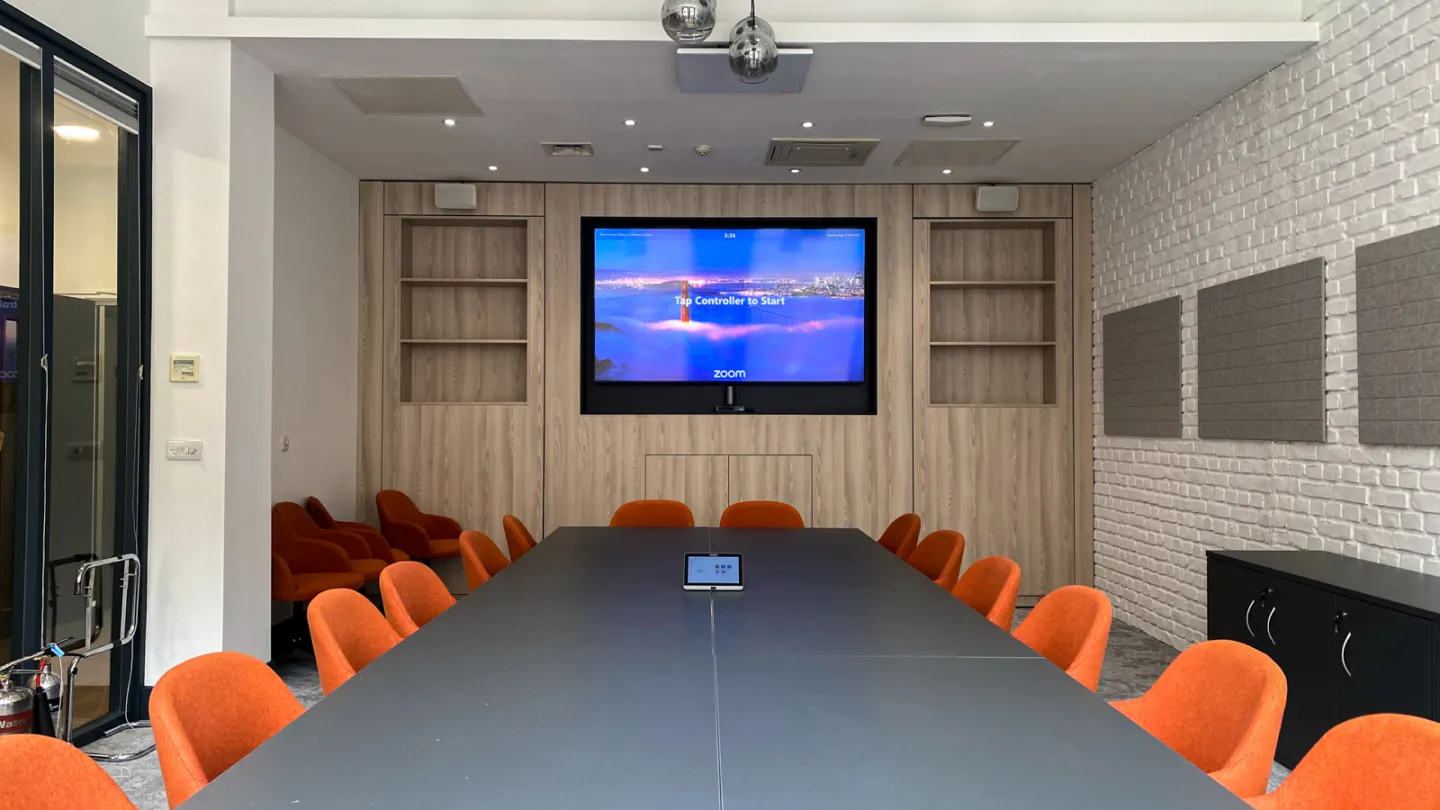
Standard Meeting Rooms
The most common Teams Rooms deployment: a certified all-in-one bar or modular system that covers six to twelve seats with clear audio and video.
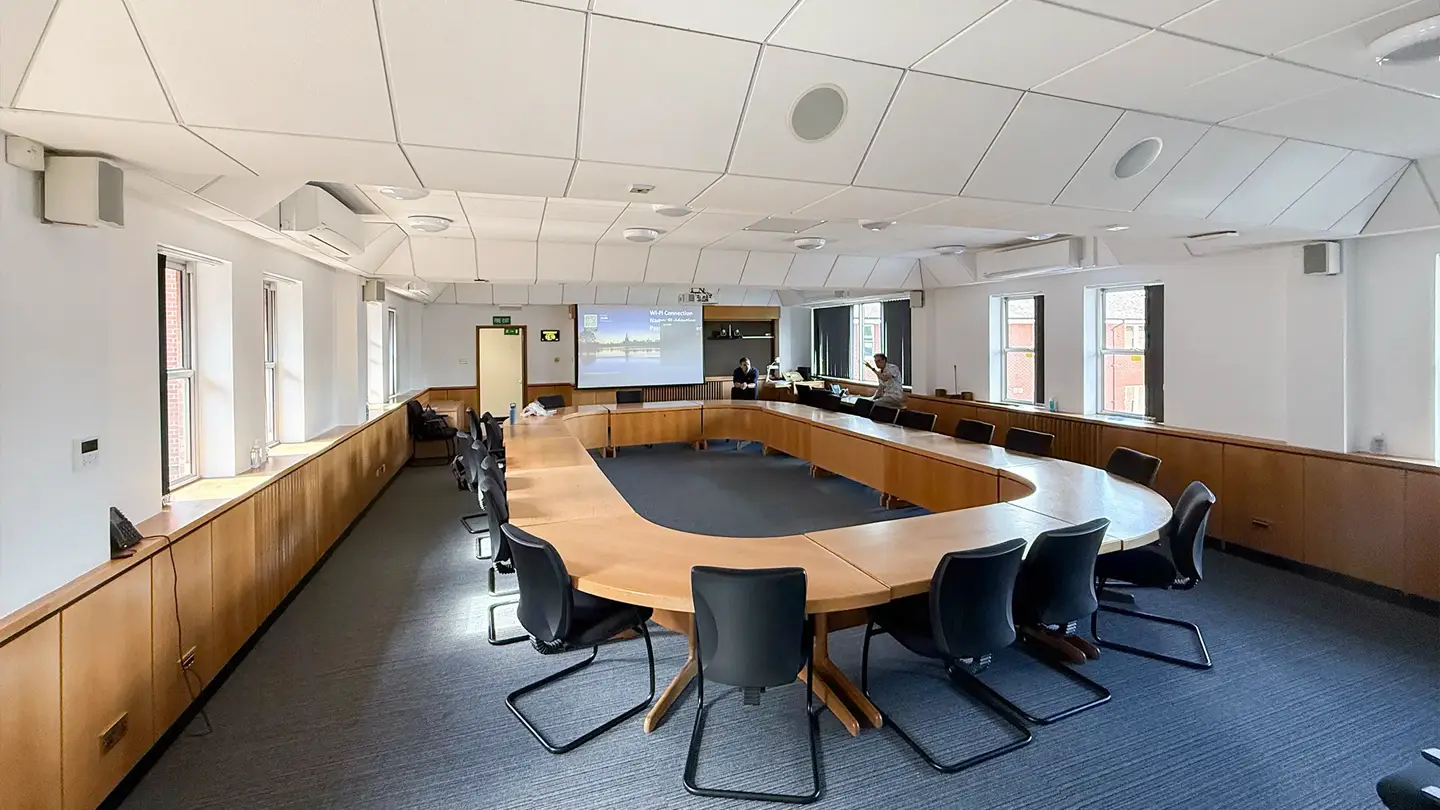
Training Rooms & Large Conference Spaces
Multi-camera, multi-microphone Teams Rooms builds designed for presentations, workshops and hybrid training sessions with larger in-room audiences.
Built for Certification, Simplicity & Long-Term Reliability

Microsoft Certified
We install Teams Rooms hardware from Microsoft’s certified device partners, so your systems meet Microsoft’s own standards for performance, security and firmware support.

Simple to Operate
Touch panel control means joining a meeting, sharing a screen or adjusting the camera takes one tap, not a training session.

Built to Last
Every Teams Rooms system is specified as a permanent installation, commissioned, tested and handed over with full documentation, not a temporary desk setup.
What’s Involved in a Teams Rooms Installation
Our Teams Rooms installations typically include:
Integration with existing room booking and calendar systems, and with wireless presentation systems where needed
Case Study
Trusted With Microsoft Teams by Organisations Like Perkbox

From the outset, AVolution demonstrated in-depth knowledge of both Microsoft Teams and the Yealink product range. They provided expert advice on the most suitable setup and took care of every detail, from hardware selection and configuration to installation and user training. Their professionalism, responsiveness and technical expertise made the process smooth and hassle-free.
Steven Mayfield, Director of IT & Cyber Security, Perkbox
We have also delivered video conferencing and collaboration solutions for:




Microsoft Teams Rooms, Zoom Rooms or Google Meet?
Many organisations run more than one platform, or want the flexibility to switch later. Most certified Teams Rooms hardware from Yealink, Logitech and Poly also supports Zoom Rooms, so we can specify systems that keep you platform-flexible. If you’re weighing up the options, our Zoom Rooms and Google Meet Rooms pages cover how those platforms differ in hardware, management and licensing.
From Strategy to Ongoing Support

STEP 1
Discovery & System Design
We assess your rooms, your Microsoft 365 environment and how your teams actually work, then design a Teams Rooms specification that fits.

STEP 2
Professional Installation
Our engineers install, configure and test every Teams Rooms system, including network checks, audio tuning and Microsoft account provisioning.

STEP 3
Training & Support
We train your users, then provide ongoing monitoring, firmware updates and responsive UK-based support.
Why Organisations Choose AVolution for Teams Rooms
Vendor-neutral hardware selection, matched to your room and budget
Deep, demonstrated experience with Microsoft Teams and certified partner devices
25+ years of AV integration experience and over 1,500 clients
ISO 9001 and ISO 27001 certified, for structured quality and information security
UK-based support across our Chobham, Manchester and Birmingham offices
FAQs
What is a Microsoft Teams Room?
A Microsoft Teams Room is a meeting space fitted with certified hardware, cameras, microphones, speakers and a touch panel, that runs the Teams Rooms application to give everyone in and out of the room a consistent, one-touch meeting experience.
What hardware do I need for Microsoft Teams Rooms?
At minimum, a certified Teams Rooms compute unit, a camera, a microphone and speaker solution, and a touch control panel. The right combination depends on room size and use, which is why we assess each space individually rather than fitting a single standard kit everywhere.
Do I need a Teams Rooms Pro licence?
Teams Rooms Basic is included with most Microsoft 365 plans and covers core meeting functionality. Teams Rooms Pro is a paid add-on that adds remote device management, proactive monitoring and Microsoft support eligibility, and is worth the cost once you’re running more than a few rooms. We advise on the right tier as part of the design process.
Can Teams Rooms work alongside Zoom or Google Meet in the same organisation?
Yes. Most certified Teams Rooms hardware also supports Zoom Rooms, so we can specify systems that give you flexibility if your platform strategy changes. See our Zoom Rooms page for how that compares.
Zoom Rooms Installation
Room Booking & Scheduling Systems
Huddle Room AV Solutions
Google Meet Rooms Installation
Boardroom AV Solutions
Ready to Upgrade to Microsoft Teams Rooms?
Talk to our video conferencing specialists or book a site assessment to discuss a permanent, certified Teams Rooms installation designed around how your teams actually meet.